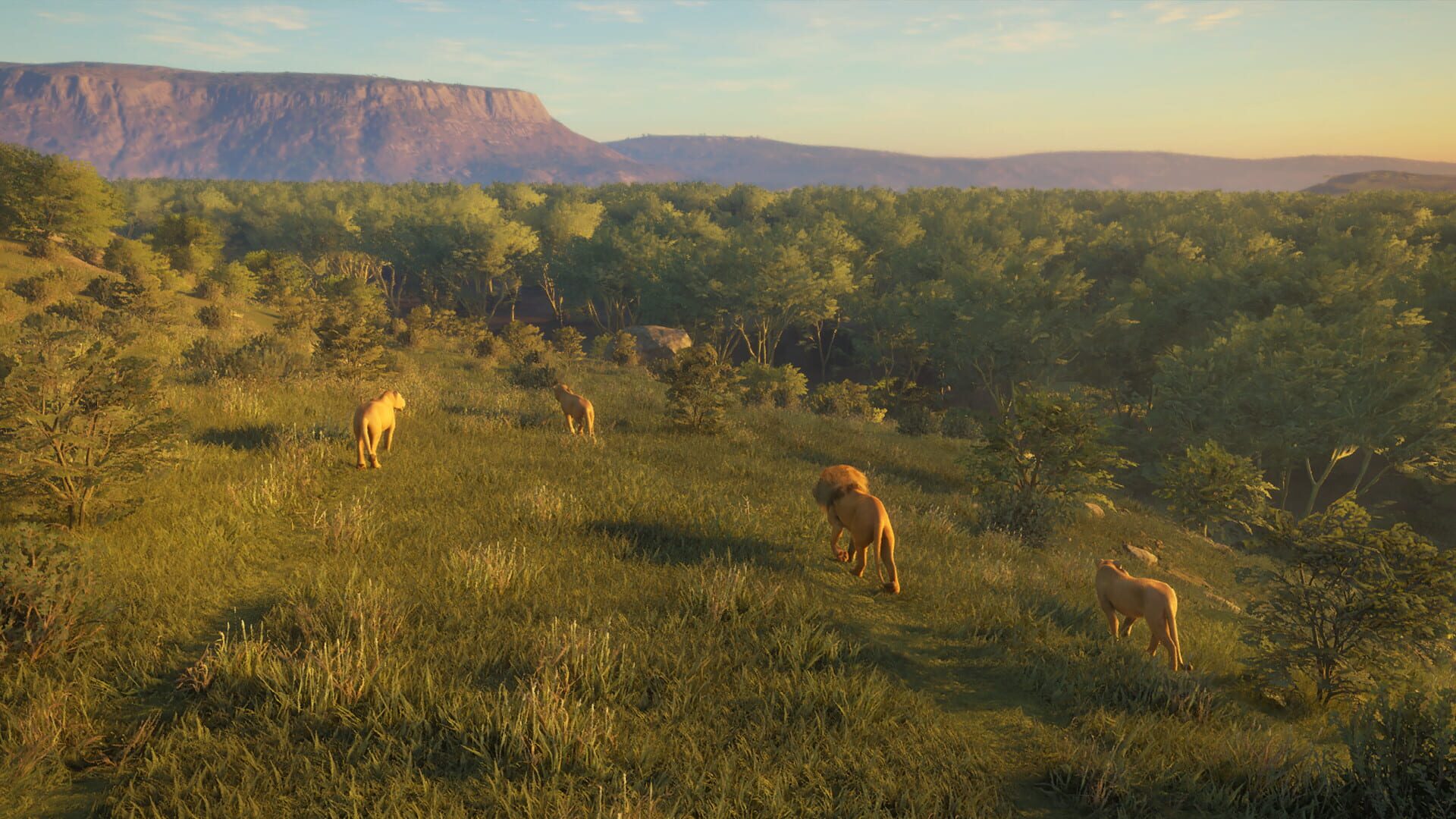
3 downloadable save files for theHunter: Call of the Wild, plus 1 mod available. Expansive Worlds' 2019 adventure game. Drop in a save, layer in a mod, or both.
Save options:
Level 60, map open, tasks completed. Level 60, map not open, tasks completed. Level 60, map not open, tasks not completed. The archive contains a folder with upgraded dogs (skills not distributed).
Be sure to make a backup copy of your saves! To transfer the trophy room and the dog, do not delete the two save files thp_dog_profile_adf - dogs and trophy_lodges_adf - trophy room. Disable cloud saves! Extract the files from the archive (after deleting your own, except for the two listed above) to a folder. For Steam, RePack version C:\Users\user-name\Documents\Avalanche Studios\Cotw\Saves\many numbers\. For Epic Games version C:\Users\user-name\Documents\Avalanche Studios\Epic Games Store\COTW\Saves\many numbers\. After starting the game, choose to continue or the reserve from which you will start the game. Distribute the character's skill points and abilities. Distribute the skills and change the dog's name if you installed it from the archive. Saves are suitable for Steam, RePack and Epic Games versions.
The archive contains different options for saving dogs, several at a time or one at a time, I may add other options for leveling up dogs to the archive later. Resetting the name, skills, and second leveling, at your request, is possible for game money.
Contents of the archive:
COTW Bloodhound30 15+pointer15 Kurzhaar30 15+bloodhound15 Kurzhaar30 15+serve15 Labrador30 15+bloodhound15 four dogs with the second leveling
COTW Bloodhound 30 15 Kurzhaar 30 15 Kurzhaar 27 15 Labrador 27 15 ready for the second leveling
COTW Bloodhound30 15+pointer15 one dog with the second leveling
COTW Kurzhaar30 15+bloodhound15 one dog with the second leveling
COTW Kurzhaar30 15+serve15 one dog with the second leveling
COTW Labrador30 15+bloodhound15 one dog with the second leveling
Be sure to make a backup copy of the thp_dog_profile_adf file which is located in the folder C:\Users\user-name\Documents\Avalanche Studios\Cotw\Saves\many numbers\. in the Steam version of the game. Disable cloud saves if you play the Steam version of the game! Extract the file from the archive with a replacement to the folder. C:\Users\user-name\Documents\Avalanche Studios\Cotw\Saves\many numbers\. Saves from the Steam version of the game. Compatibility with RePack and Epic Games versions has not been tested.
The complete 1-mod kit that ships with the official theHunter: Call of the Wild trainer. These are in-session modifiers — they apply while you play and leave your save file untouched.