
PlayerSave
Home Indie Schedule I
Indie · PC SAVE FILES

Schedule I

4 downloadable save files for Schedule I, plus 18 mods available. TVGS' 2025 indie title. Drop in a save, layer in a mod, or both.

4saves 2025released 2026-May-20
SAVE LIBRARY · 4 AVAILABLE

All saves for Schedule I

save
#1

A lot of money, a well-equipped warehouse, everything is open

443.52 Kb 2026-May-20
For those who want to relax and start the game from scratch. If you want to avoid the long process of collecting items and prefer to dive straight into creativity, use this save! Now you can create your own substances and give them names 1. Download the save file (button above). 2. Press Win + R, enter appdata and press Enter. 3. Go to the following path: C:\Users\Your_Name\AppData\LocalLow\TVGS\Schedule I\Saves\Your_SteamId. For those who have a pirated version, it seems to be the same path, only without the SteamId. 4. Move the downloaded file to the folder of Your_SteamId. 5. If you want to keep your old save, you can simply rename SaveGame_1 to SaveGame_4, or any other number from 1 to 5. Note It is advisable to temporarily disable Steam synchronization, otherwise the downloaded file will be deleted from the Your_SteamId folder. Don't forget to put money in the suitcases for workers, otherwise they will stop working. This is where the house with suitcases is.
Download 443.52 Kb
100%
complete

100%

203.55 Kb 2026-May-12
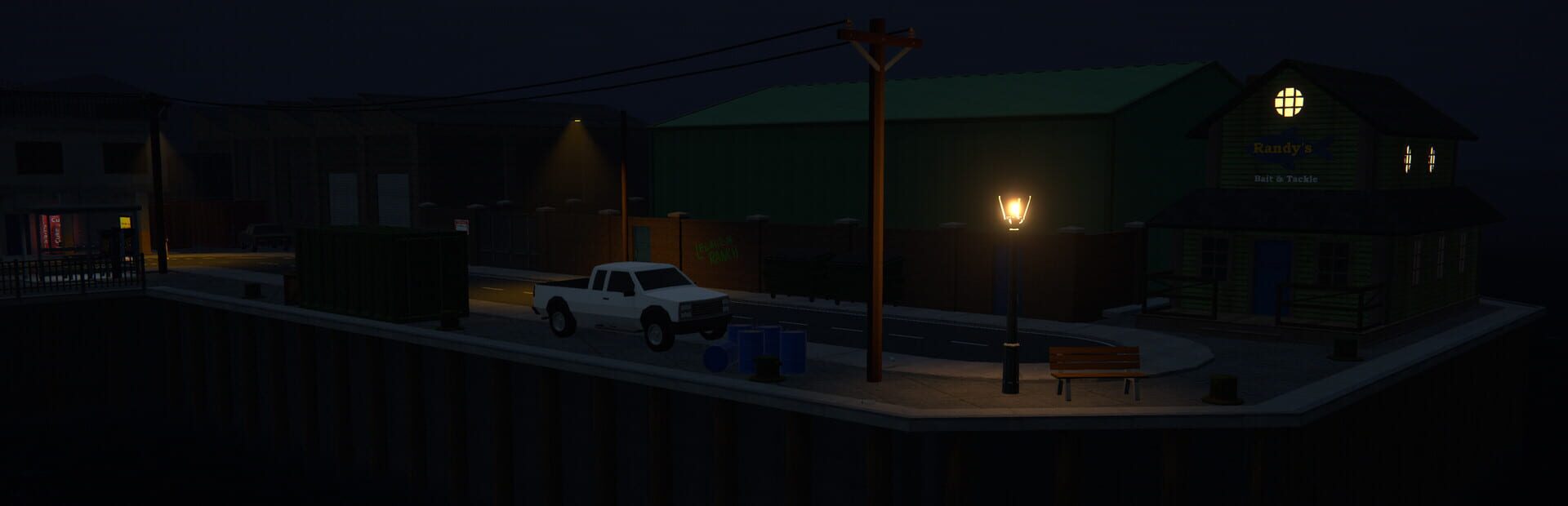
Everything is open, all civilians are under control. Only the necessary items have been purchased. The base has been set up at the port. Rank: KingPin 557. Console not used. Download the archive with your save Disable cloud sync (if licensed, in Steam or another launcher) Launch the game Disable cloud backup in the settings Exit the game Open File Explorer and navigate to: C:\Users\"Your username"\AppData\LocalLow\TVGS\Schedule I\Saves\"yourusername" Unzip the archive contents to this folder Launch the game Check your save Enable cloud backup in the game settings Exit the game Enable cloud sync (if licensed, in the same way you disabled it) If there is a cloud sync conflict, select a local save Done!
Download 203.55 Kb
save
#3

Well-equipped warehouse in the port, everything is upgraded, lots of money

1.17 Kb 2026-May-01
For those who want to relax and start the game from scratch. Features: • 10 m. in cash • 10 m. on a bank card • Many workers • The warehouse is already equipped 1. Download the file 2. Press Win + R, enter appdata and press Enter. 3. Go to the following path: C:\Users\Your_Name\AppData\LocalLow\TVGS\Schedule I\Saves\Your_SteamId. (For those who have a pirated version, it seems to be the same path, only without the SteamId) 4. Move the downloaded file to the folder Your_SteamId. 5. If you want to keep your previous save, you can simply rename SaveGame_5 to SaveGame_3, or any other number from 1 to 5. Note DO NOT forget to unzip the zip It is advisable to temporarily disable Steam synchronization, otherwise the downloaded file will be deleted from the Your_SteamId folder.
Download 1.17 Kb
save
#4

Barn, 5 of 6 districts open, 5th not upgraded

263.43 Kb 2026-Apr-23
Not everything is bought, right after the room I saved up for the barn, I decided not to take the warehouse, they often block the road there. 5 of 6 districts are open, the 5th is not pumped up, so you have something to do. I recommend moving the trash cans a little closer to the exit, since the cleaner does not have enough space. Everything is autonomous and intuitive, in those shelves where there is only one type of supplies, the same and replenish. Shelves with a white list, do not touch, the loader will bring everything there himself. It is possible to install in 2 ways: 1). Without unpacking, through import in the game itself. 2). The second installation option 1. Download the file 2. Press Win + R, enter appdata and press Enter. 3. Go to the following path: C: \ Users \ Your_Name \ AppData \ LocalLow \ TVGS \ Schedule I \ Saves \ Your_SteamId. (For those who have a pirated version, it seems to be the same path, only without the SteamId) 4. Move the downloaded file to the folder Your_SteamId. 5. If you want to keep your previous save, you can simply rename SaveGame_5 to SaveGame_3, or to any other number from 1 to 5.
Download 263.43 Kb