
PlayerSave
Home Puzzle Plants vs. Zombies
Puzzle · PC SAVE FILES

Plants vs. Zombies

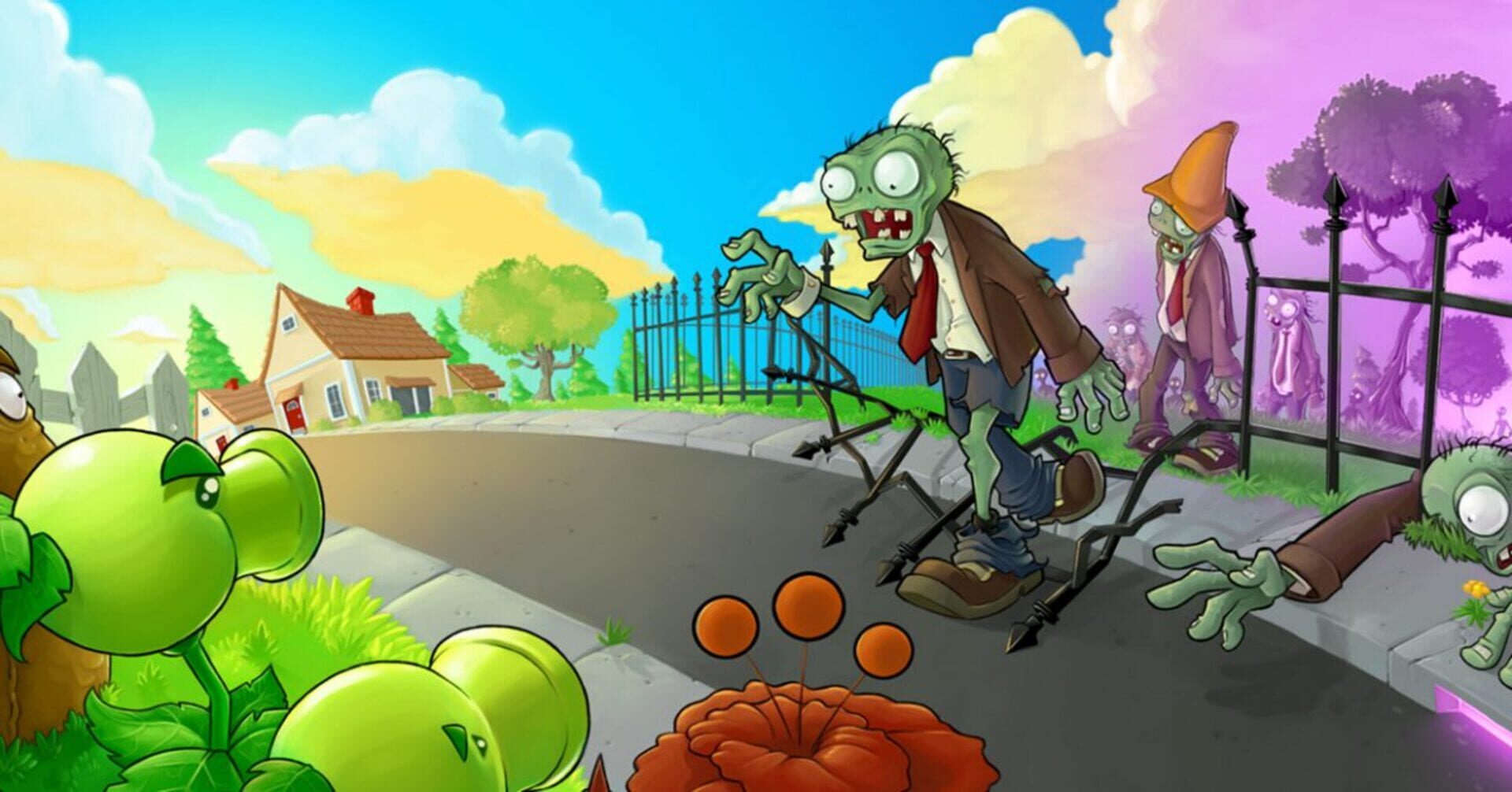
Free PC save files for Plants vs. Zombies, the 2009 puzzle game from PopCap Games. 3 downloadable save files available, sorted by completion percentage and version. Drop one into your save folder and pick up wherever you want.

3saves 2009released 2026-May-20
SAVE LIBRARY · 3 AVAILABLE

All saves for Plants vs. Zombies

save
#1

Level 4-10, Zombie Yeti

18.63 Mb 2026-May-20
This save makes you progress to level 4-10 of the third playthrough, where the zombie yeti is encountered. The adventure has been completed twice. Completed all mini-games, puzzles and survival games. Bought all the items from Dave's store. There are only two golden daisies in a Zen garden. Download the archive with the save, unpack it into the root directory of the game, confirming the replacement of files. Note: Before installing a save, make a backup copy of your save so you can install it back at any time. The root directory of the game is located:
Download 18.63 Mb

99%
complete

99%, everything is open

70.15 Kb 2026-May-01
General information: Game completed: 1 time Game version: v1.2.0.1073 Platform: PC User nickname: "play" Achievements and awards: Survival, mini-games and puzzles: 100% unlocked Achievements unlocked: 7 out of 20 Gold award received Game elements: Zen Garden: 20-30 plants Wisdom Tree: grown at 10,000 feet Dave's Shop: all purchased Game currency: 20-40 thousand Zombies and plants: all unlocked Unzip to the root save game folder
Download 70.15 Kb
save
#3

Everything is open, lots of coins for the garden, all plants are available

14.19 Kb 2026-Apr-17
For those too lazy to play through the PvZ save. Lots of coins for the garden, all the plants are unlocked, etc. To play with it, unzip the zip file to your saves folder. For the non-Steam version of the game Windows XP — C:\Program Files\PopCap Games\Plants vs. Zombies\userdata (the userdata folder is located in the root folder of the game installation). Vista/Windows 7 — C:\ProgramData\PopCap Games\PlantsVsZombies\userdata (the folder is hidden by default; you need to enable hidden files in the folder properties). For the Steam version of the game C:\Program Files\Steam\steamapps\common\plants vs. zombies\userdata or C:\ProgramData\Steam\PlantsVsZombies\userdata on Linux for the Steam version of the game In the [steamapps] folder located in the STEAM Play Proton game client. STEAM save path on Linux: [Steam folder]/steamapps/compatdata/3590/pfx/
Download 14.19 Kb