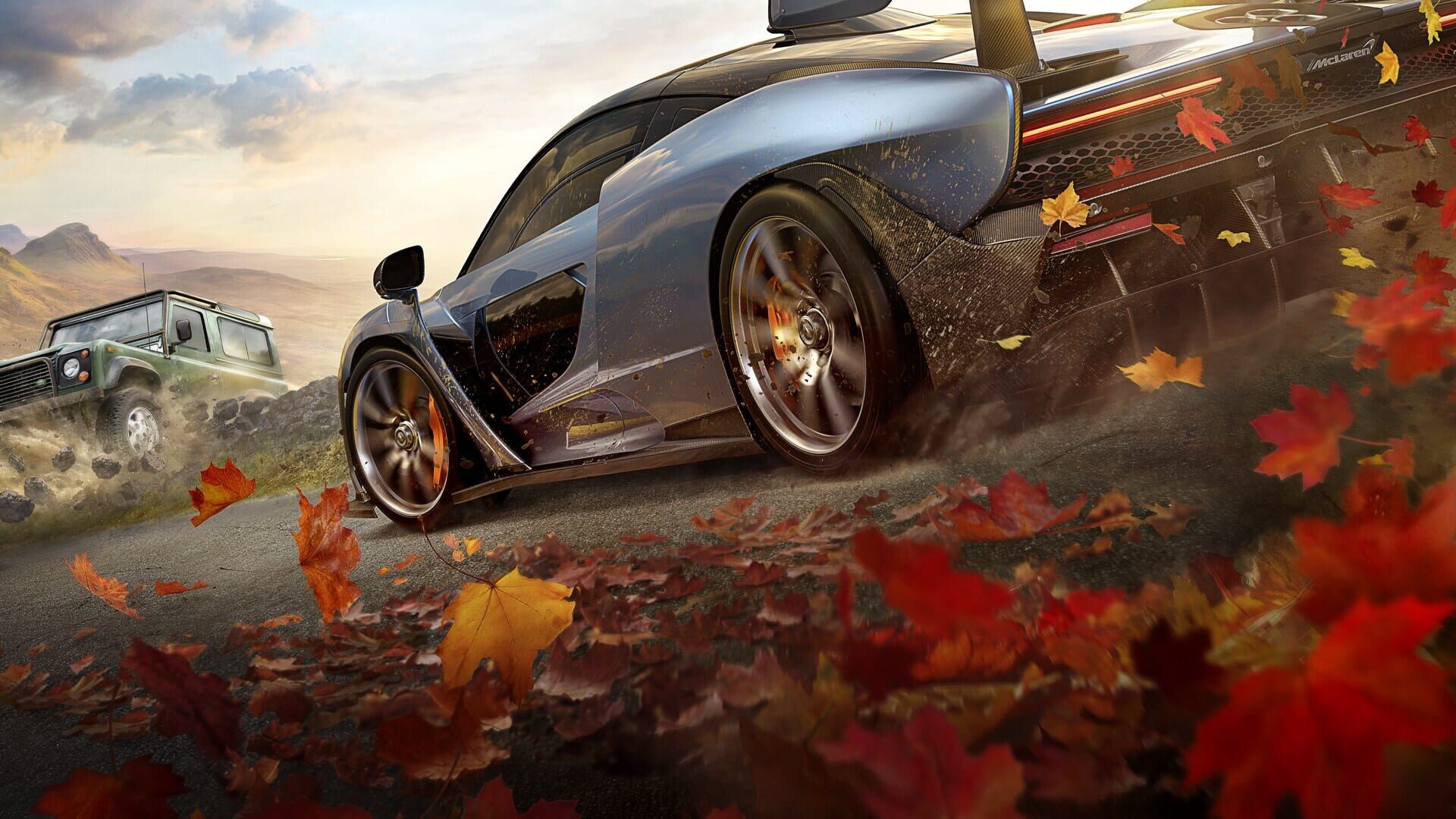
9 downloadable save files for Forza Horizon 4 on PC, including 1 at 100% completion. Playground Games' 2018 adventure game. Skip the grind, replay key moments, or jump straight to the endgame.
9saves2018released2026-May-20
SAVE LIBRARY · 9 AVAILABLE
All saves for Forza Horizon 4
save
#1
A lot of money, all houses bought, almost all cars
Thought id give a quick type up to help people gamesave swap their forza horizon 4 accounts with modded saves First and foremost this only works on PC but you can get it onto your xbox accounts aswell but we'll get to that later. 1. either create a new xbox account via the xbox app or use your main ; I suggest a new account so you don't risk your main account getting banned 2. play through the intro until you can choose your first car. Pick anything it doesnt matter, go for a drive for about 2 minutes or so, then the game creates a save and you can quit the game 3. locate your game save, i just type the abbreviation " wgs " into the lower left search bar and open the folder. (Windows Game Save) alternatively C:\Users\RYAN\AppData\Local\Packages\Microsoft.SunriseBaseGame_8wekyb3d8bbwe\SystemAppData instead of mscf6 use your computers name 4. Go to the tab view> sort by> date modified ; the folder at the top of the list will be your most recent account that has been used in forza. Open it. 5.You should see a file called containers and a folder, open the folder. Sort by date modified again. Now youll see 2 files that are bigger then 1kb in filesize Copy the latest files title ; Dont copy the file, just the name. 6. Delete the 2 bigger files in that folder, Download any given save in the mediafire link below and put it into the folder where you deleted the old files. 7. Rename the new file you put into the folder to the name you copied in step 5 8. Run the game and see how it went, if you get put into tutorial you probably did something wrong so start again. Now to get this to work on an xbox you'd have to do it on a pc first with the account that is gonna be on the xbox, once above steps completed just go for a drive around while on pc to let it save. Lower right corner you will see a white ring that is a loading symbol, once that disappears its saved and you can quit. Now jump on the xbox and sign into the account that was on the pc, load forza horizon 4, load last synced data (Cloud) and if all went well you'll have the save on your xbox I do not take credit for these saves, simply sharing with the world; I take no responsibility for bans, use at your own risk.
First and foremost this only works on PC but you can get it onto your xbox accounts aswell but we'll get to that later. 1. either create a new xbox account via the xbox app or use your main ; I suggest a new account so you don't risk your main account getting banned 2. play through the intro until you can choose your first car. Pick anything it doesnt matter, go for a drive for about 2 minutes or so, then the game creates a save and you can quit the game 3. locate your game save, i just type the abbreviation " wgs " into the lower left search bar and open the folder. (Windows Game Save) alternatively C:\Users\RYAN\AppData\Local\Packages\Microsoft.SunriseBaseGame_8wekyb3d8bbwe\SystemAppData instead of mscf6 use your computers name 4. Go to the tab view> sort by> date modified ; the folder at the top of the list will be your most recent account that has been used in forza. Open it. 5.You should see a file called containers and a folder, open the folder. Sort by date modified again. Now youll see 2 files that are bigger then 1kb in filesize Copy the latest files title ; Dont copy the file, just the name. 6. Delete the 2 bigger files in that folder, Download any given save in the mediafire link below and put it into the folder where you deleted the old files. 7. Rename the new file you put into the folder to the name you copied in step 5 8. Run the game and see how it went, if you get put into tutorial you probably did something wrong so start again. Now to get this to work on an xbox you'd have to do it on a pc first with the account that is gonna be on the xbox, once above steps completed just go for a drive around while on pc to let it save. Lower right corner you will see a white ring that is a loading symbol, once that disappears its saved and you can quit. Now jump on the xbox and sign into the account that was on the pc, load forza horizon 4, load last synced data (Cloud) and if all went well you'll have the save on your xbox I do not take credit for these saves, simply sharing with the world; I take no responsibility for bans, use at your own risk.